
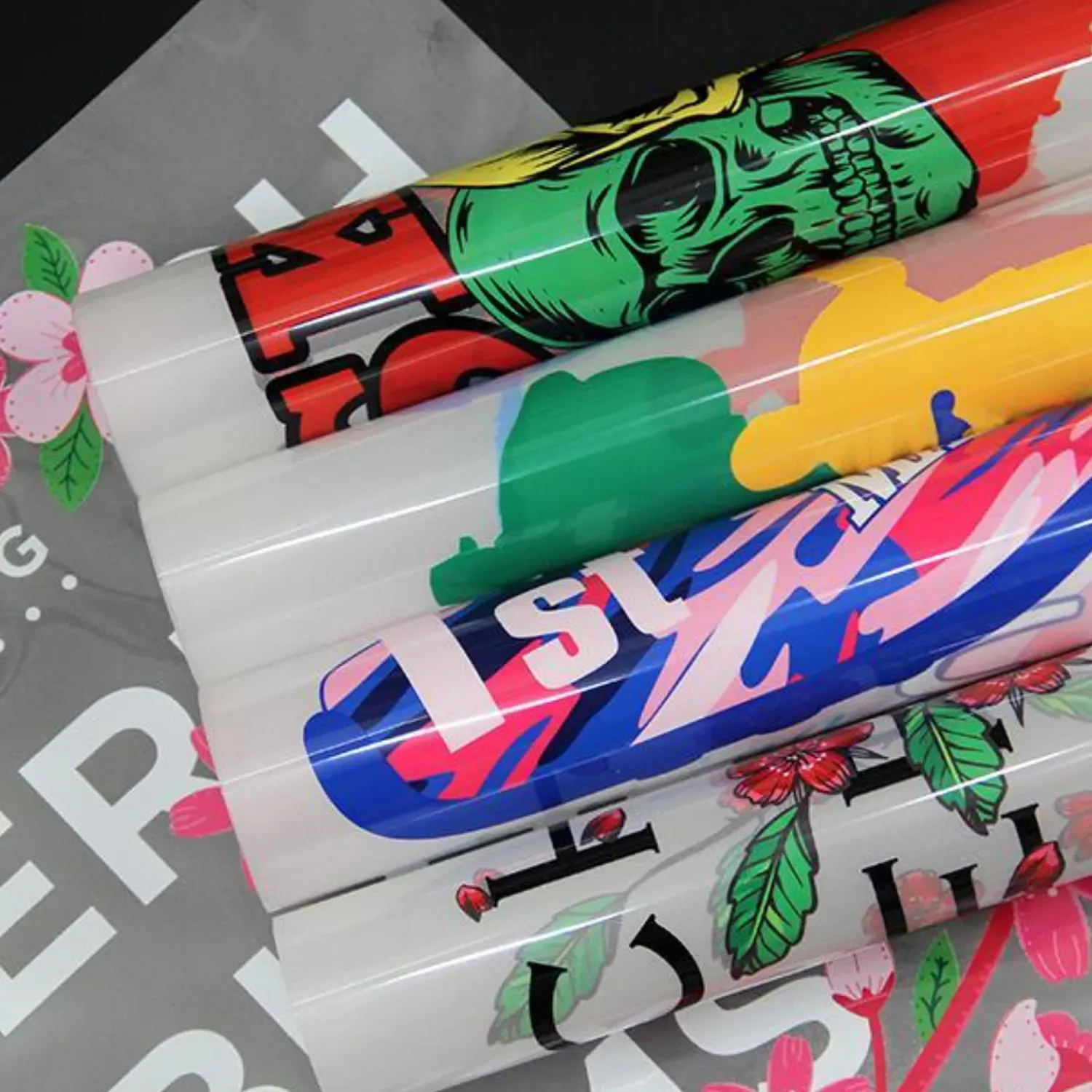
DTF transfers DPI guides designers toward print-ready fabric graphics by aligning artwork preparation with the realities of fabric transfer, from asset acquisition to final file checks. In designing for DTF, you must optimize DPI alongside DTF transfer resolution to preserve sharp edges and accurate hues. This approach emphasizes durable vectors, scalable layouts, and careful file preparation to keep artwork crisp across fabrics. By tuning print parameters and embedding printer-specific guidance, you reduce surprises during production and post-press finishing by validating output with test proofs. With thoughtful planning, you achieve consistent results across fabrics, presses, and batch runs while keeping file sizes practical and workflows repeatable.
Think of this topic in broader terms: print resolution, image fidelity, and color accuracy are shaped by how digital art is prepared for heat transfer onto fabrics. Rather than focusing on a single numeric value, consider the interplay of image density, device color spaces, and ICC-driven calibration as recommended by suppliers. In other words, the same principles apply when preparing artwork for heat-pressed textiles, where color consistency and edge sharpness hinge on matching source files to the transfer media. The goal is to ensure your design’s accuracy endures through heat application and repeated washing while staying efficient in production.
DTF Transfers DPI: Aligning Print Resolution with Fabric Expectations
DTF transfers DPI is the backbone of image clarity when printing on fabric. Choosing a suitable final resolution, typically 300 DPI for standard sizes and up to 600 DPI for fine details, helps ensure sharp edges and legible typography after transfer. When planning for DTF transfer resolution, align the artwork’s pixel density with your printer’s capabilities and the transfer media to avoid unnecessary upscaling or pixelation, while also considering production turnaround.
Begin by defining the final print size and calculating the required pixel grid. This approach respects DPI settings for DTF and reduces the risk of blurring during heat transfer. Remember that higher DPI increases file size and print time, so balance fidelity with practical production constraints.
DTF Color Profiles and ICC Management for Consistent Results
DTF color profiles and ICC management impact how colors move from screen to fabric. Embedding the correct DTF color profiles in your artwork helps maintain hues, saturation, and contrast across devices and through the transfer process. Start with a wide color space, such as Adobe RGB, if your workflow supports it, then convert to the printer ICC profile or CMYK space before printing, guided by DTF color profiles guidelines.
Soft-proofing with a calibrated monitor and test prints on the actual transfer media helps predict how colors will look post-transfer. Regular monitor calibration and lighting standards reduce color surprises and create a reliable dialogue with clients and production teams about color expectations.
Understanding DTF Transfer Resolution and Pixel Density
Understanding DTF Transfer Resolution and Pixel Density clarifies the relationship between digital files and printed results. DPI (dots per inch) measures printer output, while PPI (pixels per inch) describes the digital artwork resolution. A solid baseline is 300 DPI at the target print size, with 600 DPI considered for intricate textures or tiny type, while balancing transfer media limitations and ink behavior.
Always compute the final print dimensions before exporting assets. Avoid upscaling low-resolution assets; instead, design with the final size in mind to maintain crisp edges and reduce banding in gradients across fabrics.
DPI Settings for DTF: Practical Guidelines for Different Fabrics
DPI Settings for DTF: Practical Guidelines for Different Fabrics addresses how substrate affects achievable detail. Lighter fabrics may reproduce colors more faithfully, while dark or patterned fabrics can mute fine gradients, necessitating adjusted DPI and color management strategies. Always verify supported DPI ranges for your transfer film and heat press.
Test transfers on representative swatches before large runs. Document the DPI settings used and the substrate behavior so future jobs can reuse proven configurations, saving time and ensuring consistent results.
Color Management in DTF Printing: From Design to Final Transfer
Color Management in DTF Printing guides the end-to-end workflow from design to final transfer. Calibrated monitors, standard lighting, and embedded color profiles help ensure designs look the same on fabric as on screen. Managing color across the design pipeline reduces surprises caused by device or media variations and supports a more reliable production process.
Soft-proofing and ICC profile usage are central to predicting post-transfer outcomes. When possible, compare soft-proofs with physical proofs on the actual transfer media to validate color accuracy before committing to larger runs.
DTF Print Quality Factors and Workflow Best Practices
DTF Print Quality Factors and Workflow Best Practices cover how to achieve durable, high-quality transfers. Edge clarity, color fidelity, smooth gradients, and low artifacting are influenced by DPI, color profiles, substrate, and ink behavior—the key DTF print quality factors that determine customer satisfaction.
Follow a repeatable workflow: start with high-resolution assets, set appropriate color spaces, proof digitally, export with embedded profiles, perform test transfers, and document all printer DPI, media, and profile settings. Such discipline improves efficiency and repeatability across projects.
Frequently Asked Questions
What DPI settings for DTF transfers should I use to maximize sharpness without slowing production (DPI settings for DTF)?
A practical baseline is 300 DPI at the final print size for sharp graphics and legible text. If your design has fine details, you can push toward 600 DPI if your printer and transfer media support it. Higher DPI increases file size and print time, so always balance fidelity with production efficiency and confirm your printer’s DPI capabilities and media limits.
How do DTF color profiles affect color accuracy, and which profiles should I embed for consistent results (DTF color profiles)?
Use the printer’s ICC profile or a CMYK/RGB workflow, and embed the corresponding ICC profile in your artwork. Soft-proof with a calibrated monitor to predict results on fabric, and rely on supplier-recommended DTF color profiles for your transfer film and fabric to ensure color management in DTF printing.
What is the relationship between DTF transfer resolution and print quality factors on fabric (DTF transfer resolution and DTF print quality factors)?
Prepare the artwork at the target resolution for the final size, typically 300 DPI; you can go up to 600 DPI for gradients or fine details. Remember that higher resolution increases file size and print time, so consider transfer media, ink, and heat press capabilities when evaluating DTF print quality factors.
How does color management in DTF printing impact consistency across fabrics (Color management in DTF printing)?
Regular monitor calibration, standardized proofing lighting, and soft-proofing against the printer ICC profile help predict on-fabric results. Embedding color profiles and maintaining consistent color management reduces shifts across different fabrics and batches.
What are common DTF print quality factors to monitor, including DPI, color profiles, and transfer resolution (DTF print quality factors)?
Key factors include substrate behavior, ink interaction with the film, and color accuracy. Ensure the artwork is prepared at the final size with proper DPI, embed the correct color profiles, and verify transfer resolution compatibility with test prints to gauge overall quality.
What practical steps in the DTF workflow optimize DPI, color profiles, and resolution for high-quality transfers (workflow steps for DPI, color profiles, and resolution)?
Follow a concise workflow: 1) Start with high-resolution assets and verify fonts; 2) Set the color space and target profiles; 3) Convert colors and soft-proof on a calibrated monitor; 4) Export with embedded profiles; 5) Print a small test transfer at the final size; 6) Inspect edge clarity and color; 7) Document printer DPI, profiles, and media settings for repeatability.
| Topic | Key Points |
|---|---|
| DPI, PPI, and Print Resolution | DPI measures printer output; distinguish from PPI (artwork resolution). Aim for 300 DPI at final print size; 600 DPI for fine details; balance fidelity with file size and speed; confirm printer capabilities. |
| Resolution, Pixel Density, and Design Size | Prepare artwork at 300 DPI for the intended print size; higher DPI (up to 600) can preserve subtle transitions; avoid upscaling; convert text to outlines; raster assets should match final print dimensions. |
| Color Profiles and Management | Use ICC profiles; design in a wide color space (e.g., Adobe RGB) if supported; convert to printer’s profile or CMYK before printing; embed profiles; soft-proof and test print; calibrate monitors; proof against physical samples. |
| Practical Design Tips for DTF Transfers | Create at intended transfer size with 300–600 DPI; prefer vector for logos/icons/typography; ensure high resolution if rasterizing text; plan color management from the start; embed color profiles in assets; check color consistency across devices. |
| Workflow Best Practices | Prepare high-resolution assets; set color space and profiles; convert and soft-proof; export with embedded profiles; print a test transfer; perform final checks and document printer settings to reproduce results. |
| Common Pitfalls | Underestimating final print size; ignoring color management; overusing gradients; using incompatible file formats; not testing with fabrics or transfer films; misaligned media or ink behavior. |
Summary
A concise table above highlights the core design essentials for DTF workflows: DPI/PPI relationships, print-size-aware resolution, color management with ICC profiles, practical design tips, a solid workflow, and common pitfalls to avoid. Following these points helps ensure sharp, color-faithful DTF transfers with reliable production outcomes.