
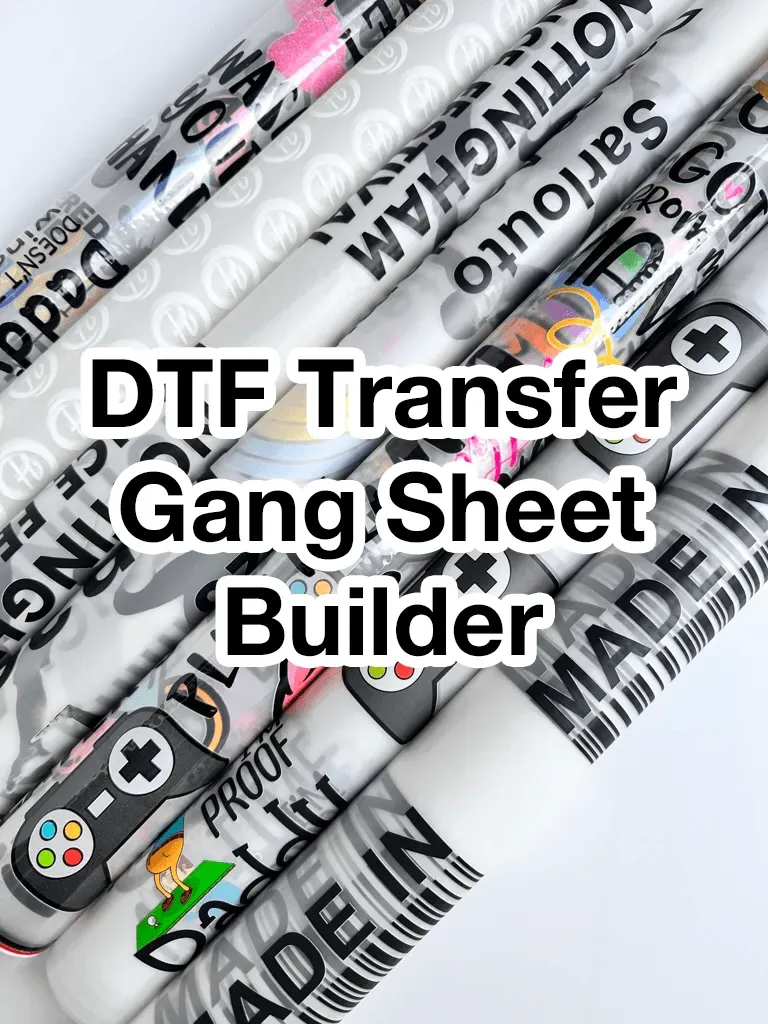
DTF Gangsheet Builder is a powerful planning and layout tool that helps garment decorators optimize every print run. The platform emphasizes DTF gangsheet design, enabling teams to map multiple designs on a single sheet with clear margins and consistent tiling. It also supports practical guidance such as DTF printing tips and standardized workflows to keep color intent intact across different designs. By integrating gangsheet layout with a streamlined DTF production workflow, operators can reduce waste, shorten setup times, and improve throughput. Whether you run occasional custom jobs or high-volume productions, this tool helps sustain quality, repeatability, and predictable results.
In other words, this suite acts as a print sheet planner, guiding how multiple designs share a single substrate. By focusing on smart gangsheet layout and color-consistent workflows, teams can align design intent with production realities. Think of it as an integrated prepress and production workflow assistant that enhances efficiency from asset prep to final transfer.
DTF Gangsheet Builder: Design-First Strategy for Efficient Layout
Begin with a design-first mindset to unlock the full potential of the DTF Gangsheet Builder. Plan artwork around a common color palette, consistent margins, and compatible sizes so the gangsheet design process stays predictable. Group images by ink sets and color profiles to minimize color shifts across designs and keep your production on track.
The builder lets you preview how multiple designs align on a single sheet. Define a standard tile size that matches your printer’s capabilities, then arrange designs within that grid. Think about spacing, bleed, and how designs tile across the sheet to reduce rework; keeping a detailed log of reprints and color tweaks speeds future gang sheets and improves reliability in high-volume runs.
DTF Gangsheet Design and Color Harmony for Consistent Outputs
A cohesive design strategy starts with color planning and compatibility. Use standardized ICC profiles for your printer and transfer films, and align your color space to your device capabilities to minimize color drift. This focus on DTF color management early in the design phase helps ensure each tile on the gang sheet renders consistently.
Batch processing and soft-proofing further strengthen design consistency. When multiple designs share palettes, you can apply a common set of conversions across the gang sheet, reducing surprises during production. Maintaining standardized palettes also makes branding and asset management simpler across many sheets.
Layout Best Practices: Maximizing Space with Gangsheet Layout
Layout fundamentals drive efficiency. Use a clean grid system to place designs, and set consistent margins to prevent bleed into neighboring designs and to simplify post-processing. A methodical approach to grid and alignment keeps your gangsheet tidy and scalable.
Tile sizing and orientation play a central role in throughput. Select tile sizes that align with common garment areas (front chest, full back, sleeves) to reduce file adjustments when creating new gang sheets. Rely on alignment guides and batch duplication to produce uniform layouts with minimal guesswork.
DTF Color Management: From Palettes to Production Consistency
Color management begins with a color-ready workflow. Establish color profiles for your printer, transfer films, and inks, and use a consistent color space across all designs on a gang sheet. When possible, centralize color conversions to simplify QA and maintain repeatability.
Standardized palettes and controlled production help maintain uniform results across runs. Limit distinct colors per design to reduce ink usage and print times, and reuse palettes for recurring graphics. Soft-proofing within the builder lets you catch color issues before sending files to print, supporting dependable DTF outputs.
Printing Tips and Production Workflow for Efficient DTF Output
Effective file preparation matters. Start with clean vector and high-resolution raster artwork, embedding or outlining fonts to avoid missing assets during export. As you place designs on the gang sheet, label each tile clearly to speed the print process and minimize mix-ups.
Printing readiness should be baked into your production workflow. Generate print-ready files with consistent page size, margins, and bleed, and maintain a library of templates for common garment sizes. The ability to re-run entire layouts without redrafting saves time in high-volume jobs and keeps the DTF production workflow smooth.
Quality Assurance, Troubleshooting, and Waste Reduction on DTF Sheets
Even robust workflows encounter issues. Common pitfalls include misalignment after transfer, color drift between tiles, and ink pooling. Revisit margin and bleed settings, confirm consistent color profiles, and adjust spacing to give room for ink spread on difficult fabrics to minimize waste.
A practical export and verification routine helps prevent last-minute bottlenecks. Use a single export path, validate fonts and images before export, and maintain a documented checklist for QA. By standardizing exports and maintaining templates, you reduce downtime, reprints, and overall waste while improving transfer quality across designs.
Frequently Asked Questions
What is the DTF Gangsheet Builder and how does it improve DTF gangsheet design and production workflow?
The DTF Gangsheet Builder is a planning tool that combines DTF gangsheet design, gangsheet layout, and print readiness into a single workflow. It provides a shared canvas with grid snapping, margins, bleed, and a live preview to optimize the DTF production workflow.
How can I improve color consistency with DTF color management when using the DTF Gangsheet Builder?
Use printer-specific ICC profiles and a shared color palette across all designs on a gang sheet. The builder’s soft proofing and color-space controls help minimize color drift, supporting consistent DTF color management and repeatable results in the production workflow.
What are the best practices for gangsheet layout within the DTF Gangsheet Builder?
Follow layout fundamentals: grid-based placement, consistent margins and bleed, careful orientation/mirroring, and tile sizing matched to common garment areas. Templates and alignment guides in the DTF Gangsheet Builder speed setup and reduce misalignment in DTF gangsheet design.
What DTF printing tips should I follow when designing gang sheets in the DTF Gangsheet Builder?
Prepare print-ready files with stable resolution and consistent margins. Use batch duplication, verify bleed, and run proof checks before printing to leverage practical DTF printing tips within the Builder.
How does the DTF Gangsheet Builder fit into a scalable DTF production workflow?
The Builder provides reusable templates, clear tile labeling, and batch processing, ensuring consistent file prep, export, and color management across runs. It integrates into the DTF production workflow to speed up design, layout, and print readiness.
What common issues should I troubleshoot in gangsheet design and layout when using the DTF Gangsheet Builder?
Common issues include misalignment, color drift, ink pooling, and export errors. Troubleshoot by adjusting bleed, confirming color profiles, tweaking tile spacing, and using a single export path with embedded fonts.
| Aspect | Key Points | Practical Tips |
|---|---|---|
| Design & Planning | Plan designs with a shared color palette, consistent margins, and compatible sizes. Catalog artwork for a single gang sheet, group by ink sets and color profiles to minimize color shifts. Preview alignment on a shared canvas using a standard tile size; log reprints and color tweaks to improve future sheets; maintain a consistent plan across jobs. | Define a standard tile size that matches your printer; ensure spacing and bleed are accounted for; maintain a consistent plan across jobs to reduce rework. |
| Layout Fundamentals | Use a clean grid system to maximize space while preserving print quality; manage margins and bleed; decide on orientation/mirroring; choose tile sizes aligned with common garment areas. | Leverage grid snapping and alignment guides; batch duplicate designs using repeatable templates; adjust tile spacing based on throughput needs. |
| Color Management & Print Optimization | Establish printer-specific ICC profiles, standardized color palettes, and a color-ready workflow; ensure consistent color across all designs on a gang sheet; work in a color space suitable for your printer. | Limit the number of colors per design; use predefined palettes for recurring designs; use soft proofing to catch issues before printing. |
| Workflow, Prep, and Production | Integrate gangsheet work into the production pipeline from file prep to final transfer; clean vector and high-res raster art; label each tile; maintain templates for common garment sizes; include quality checks. | Name gang sheets with content, color profile, and run date; export via a standard path; perform quick QA checks (alignment, color balance) before production. |
| Common Pitfalls & Troubleshooting | Misalignment after transfer; color drift between tiles; ink pooling or oversaturation; file export errors. | Adjust bleed to compensate for adhesive movement; ensure uniform color profiles; increase tile spacing for ink spread on challenging fabrics; validate fonts/images before export. |
Summary
DTF Gangsheet Builder empowers shops to turn design ideas into repeatable, high-quality gang sheets. It enables planning, layout, and print readiness in a single, repeatable workflow, helping shops maximize throughput, minimize waste, and maintain color accuracy across dozens or hundreds of designs. By standardizing tile sizes, margins, and color profiles, and by supporting batch processing and templates, it delivers consistent results and faster production. Start with a pilot gang sheet to capture learnings, then scale with confidence as your templates and documentation mature.